Blog
How the Area Calculator Works
The home page tool turns labeled dimensions into square-unit area for sixteen flat shapes without sending your numbers to a server.
By Area Calculator

Blog
The home page tool turns labeled dimensions into square-unit area for sixteen flat shapes without sending your numbers to a server.
By Area Calculator
Choose a shape, enter dimensions, press Calculate area, read the square-unit output.
Formula
Area Calculator is the interactive center of this site. The articles explain the ideas; the tool applies the formulas once you choose a figure.
Shape selection changes the input fields instantly, which helps when you move from a rectangular room to a round table on the same property walkthrough.
Nothing in the panel stores your entries after you leave the page, which keeps the experience simple for shared classroom devices.
The area calculator is a client-side widget embedded on the home page. It applies standard geometry formulas to the values you type.
If you are unsure which mode to pick, read the area formula overview first, then return to the tool with the shape name in mind.
The calculator is not a CAD program. It does not read blueprints automatically. You still supply the measurements.
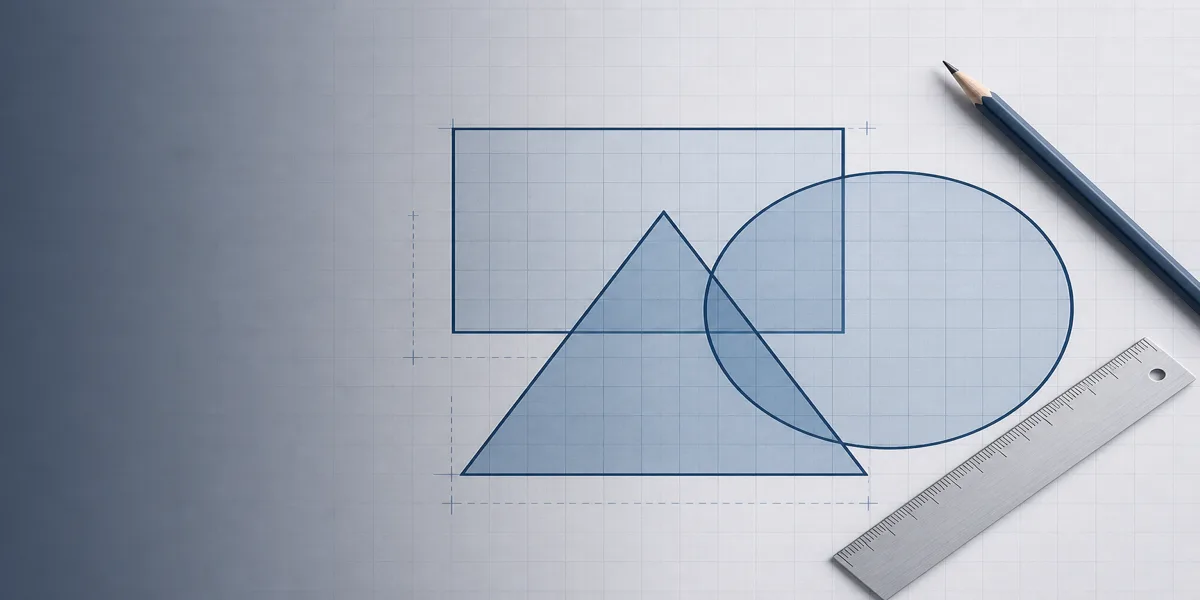
Rectangle mode multiplies length and width. Triangle mode uses half the base times perpendicular height. Circle mode squares the radius and multiplies by π.
Advanced modes include trapezoids, ellipses, annulus rings, and cyclic quadrilaterals. Each mode shows only the inputs it needs.
For a rectangle area check, enter length 10 and width 6 to see 60 square units.
Switch to Circle, enter radius 4, and compare with your manual πr² work.
Use the listed sample calculations inside the panel when you teach the tool to a class.
Treat the calculator as a fast checker beside your notebook.
Pair it with the blog guides when you need wording for reports or student instructions.
Area vs perimeter explained with formulas, units, and examples for fencing, flooring, and classwork so you choose coverage or boundary distance correctly.
Convert area units: square feet to square meters, acres, hectares, and square inches. Factors for finished area and when to convert lengths first.
Circle area calculator with radius and diameter tips, πr² explained, engineering and everyday round shapes, and worked examples to match online.